Holidays · 15 / 17
Christmas Tree Square
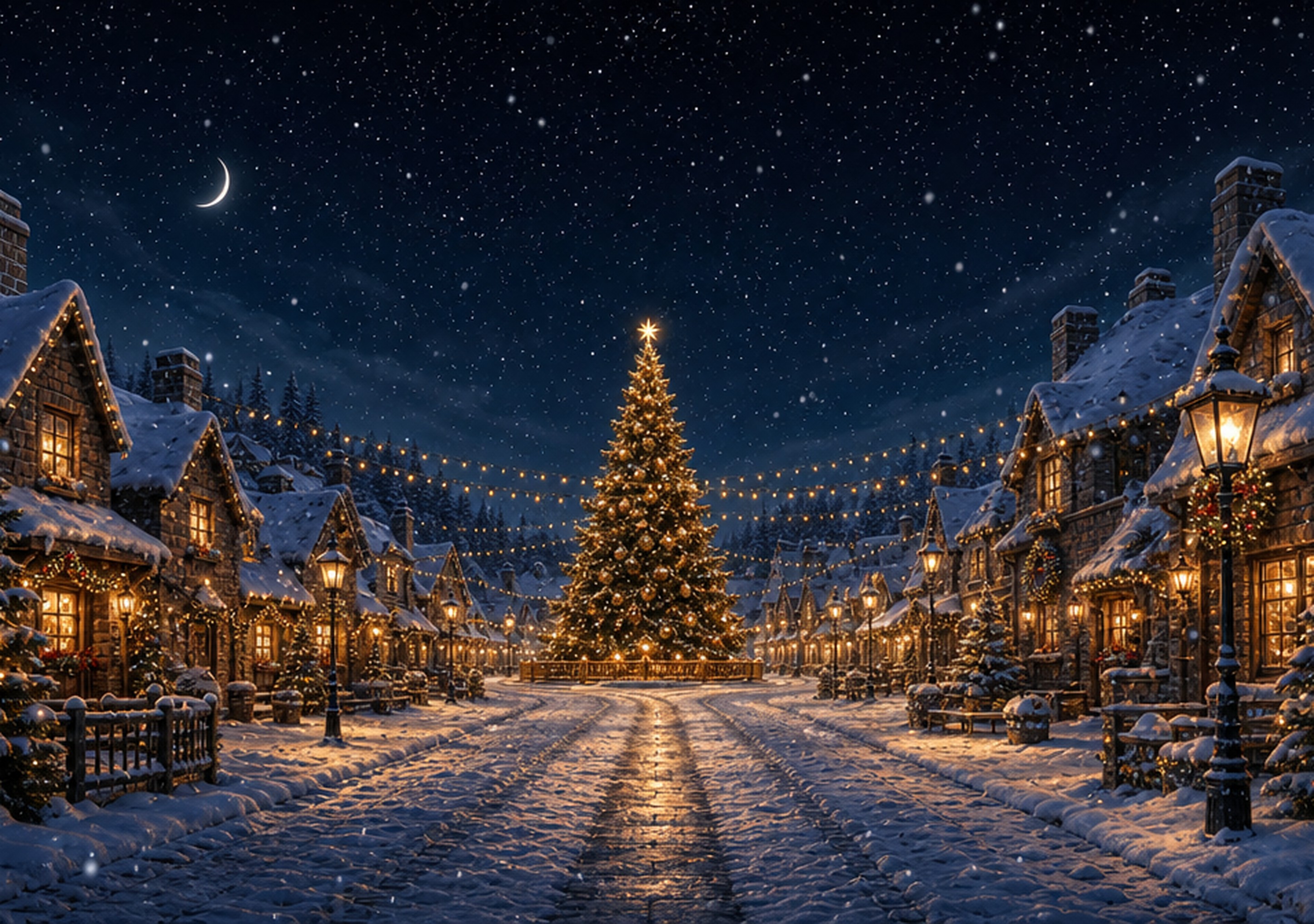
A giant Christmas tree in the village square, its star on the hinge.

Best forLock screen, December.
Free download · one 2892×2034 master; iOS crops both screens.
- Master
- 2892 × 2034 px
- Orientation
- Landscape, 1.42 : 1
- File
- JPEG · 1.1 MB · no watermark
- Published
- Made with
- AI image model, composed and picked by hand
- License
- Free for personal use
How to set it
- Tap Download. On iPhone, Safari saves it to Files → Downloads: open it there, tap Share, then Save Image to put it in Photos.
- Open Settings → Wallpaper → Add New Wallpaper → Photos and pick it.
- Leave the framing centred — iOS takes the cover and inner views from the middle — and tap Add.
- Tap Set as Wallpaper Pair.
Every route, with screenshots of what to expect: the full guide.
Why it works on the fold
A giant Christmas tree stands in the middle of a snowy village square, its star exactly on the hinge — the fold becomes the tree's trunk line. Cottages with amber windows and a thin crescent moon frame it in near-mirror symmetry, and the whole scene stays dark enough for icons and the clock.
Setting it up — inner and cover
Inner display On the inner display the whole image shows in landscape, crease down the middle. In portrait iOS shows the central strip, enlarged 1.4×, with the crease running across the middle — check that the subject still reads when it is cropped that way.
Cover display The cover shows the central 48% of the width at full height. Keep the subject near the middle of the frame, and check the clock and date stay legible over the bright parts of the image.
Screen fit
iOS sets one poster and crops each display from it. This design is composed so the inner landscape shows the whole image and the cover takes the central strip. You set one wallpaper; the phone does the cropping.
- Cover
- 1398 × 2034 px · the central 48% of the width, full height · shown 1:1
- Sharp
- Inner, landscape
- 2853 × 2007 px · the whole image, crease down the middle · shown 1:1
- Sharp
- Inner, portrait
- 2007 × 2853 px · the central strip, crease across the middle · enlarged 1.4×
- Slightly soft
Soft or zoomed on your phone? Why wallpapers go blurry · A different wallpaper on each screen?
New to the device? Read the iPhone Duo wallpaper size guide for exact pixel dimensions, or open the simulator to see this design on a folding phone before you commit.
More like this


